Proper “print file preparation” accounts for 90% of the success of the production process. At C2S Printing, we’ve compiled a technical guide on how to set up files for all types of print jobs—from stickers and company folders to booklets and premium cards—to ensure your final product is beautiful, sharp, and saves you time.
1. Preparing files for booklets and menu books
Bookbinding projects involve complexities regarding margins and page ordering to prevent missing information:
- Page Order: Submit single-page files in numerical order: 1, 2, 3… (No need to manually arrange spreads; our print shop will set up the pages correctly for your binding type)
- Gutter Margin: Keep text at least 10-15 mm away from the spine to prevent text from getting lost in the binding gutter
- Creep Offset: For thicker booklets, allow for a slightly wider bleed than usual to prevent white edges after trimming
2. Preparing files for collectible cards (Collectible Cards)
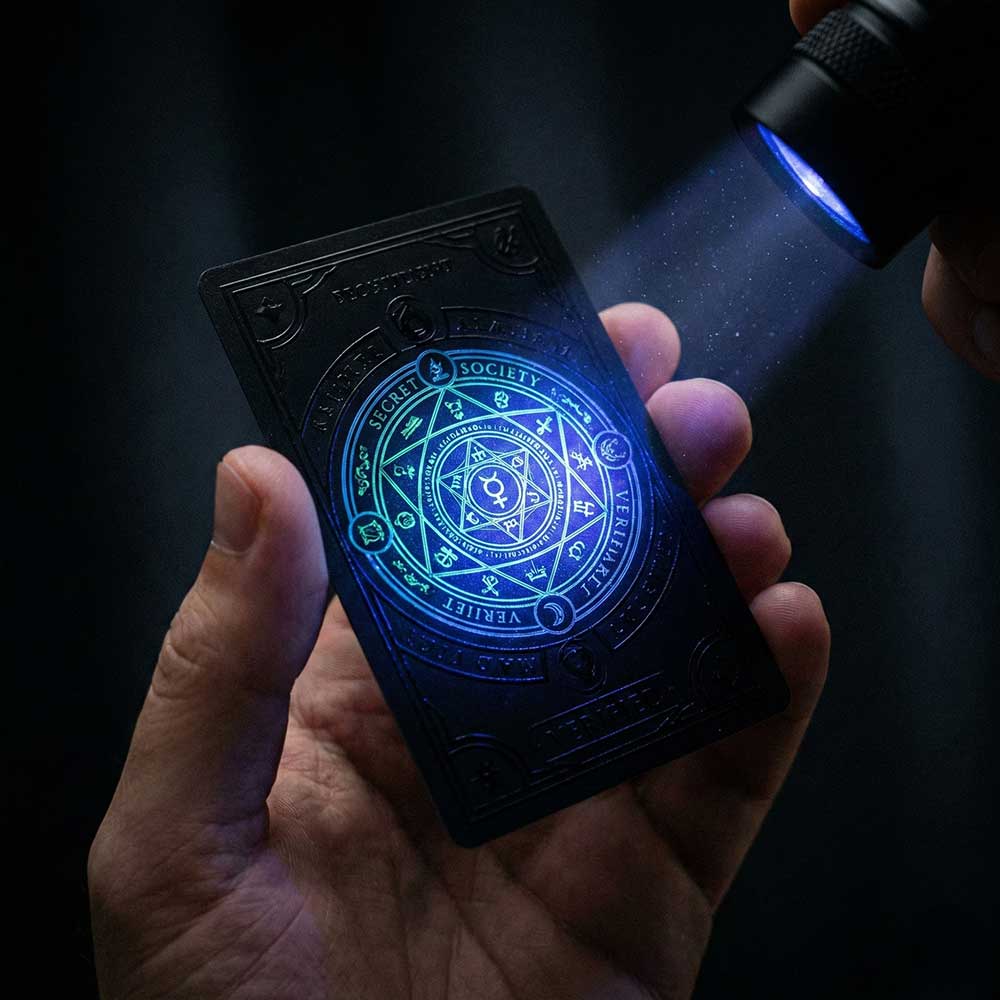
Collectible cards require high precision, especially for designs involving multiple specialized processes:
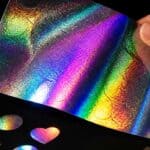
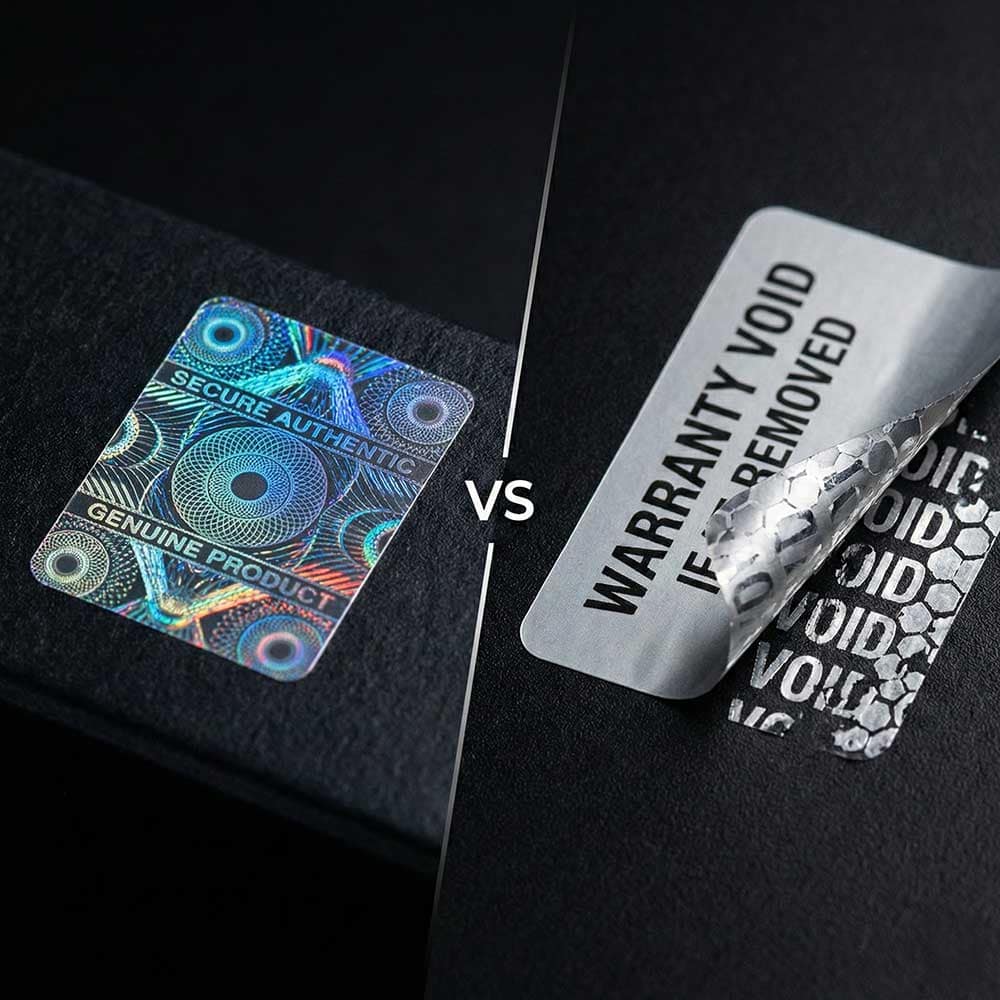
- Hologram / Foil Layer: Separate special effect files into 100% K black vectors and clearly name the layers so the printers can read the positions accurately
- Round Corner: Submit your artwork as regular squares, but specify the corner radius (e.g. 3 mm or 5 mm) in your order details
3. Checklist Summary by Product type
| Print Types | Key Points to Watch | Recommended File Format |
|---|---|---|
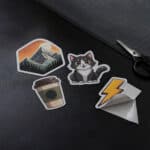
| Stickers / labels | Die-cut lines must be closed paths (Closed Path) and at least 2 mm away from text. | .AI / .PDF |
| Company Folder | Check that the logo and text don't overlap the folds or the folder spine. | .AI / .PDF |
| Booklet / menu | The total page count must be divisible by 4 (for saddle-stitch binding). | .PDF (Multi-page) |
| Collectible Cards | Use CMYK colour mode only to prevent colour shifts in solid fills and backgrounds | .AI / .PSD |
💡 Pro Tip from C2S Print Experts
Always “Create Outlines” for all fonts and “Embed Images” in your artwork file to prevent issues with missing fonts, unlinked images, or unreadable files when they reach our production team
Still unsure about your print files?
Send your files to the C2S Printing prepress team for a free preliminary check. We're happy to help.
Send Your File for Review